Fleet mapping
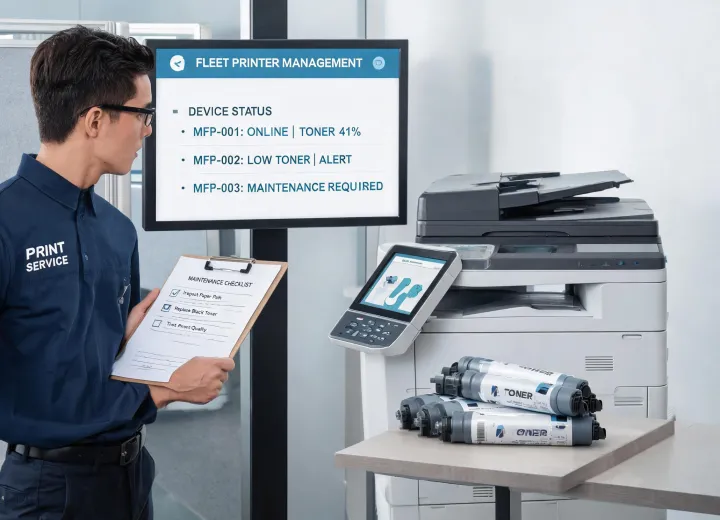
We document printer model families, duty expectations, driver needs, network status, and current pain points by site.
Service model
Lexmark Printer supports purchasing teams that need more than a product list. A reliable printer program has to connect device age, driver setup, toner and imaging unit availability, paper behavior, repair history, and expected print volume. Our service process turns those moving parts into a clear procurement file so stakeholders can compare options without relying on memory, vague replacement advice, or emergency orders.
The work begins with an intake of active printer models, locations, monthly page counts, common error codes, cartridge families, service response needs, and paper formats. We then identify quick-risk items such as discontinued consumables, repeated paper jams, unsupported drivers, or unmanaged color printing. The result is a practical plan that can cover replacement priorities, approved cartridge alternates, paper storage practices, and escalation rules for help desk or facilities teams.
Four service lanes
Each lane is designed to produce a decision record, not just a sales note. That matters when a school district, clinic group, legal office, or distributed enterprise has to justify why a printer stays, gets repaired, or moves to a new supply contract.
We document printer model families, duty expectations, driver needs, network status, and current pain points by site.
We connect toner cartridges, ink cartridges, imaging units, and maintenance kits to approved device lists.
We help define when teams troubleshoot, when they escalate, and when replacement is more defensible than repair.
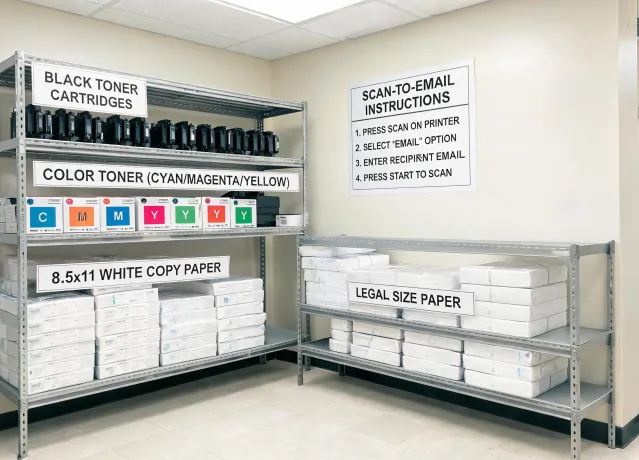
We review paper weight, size, packaging, storage, and substitution rules to reduce avoidable jams and waste.
Case highlight
A multi-site education buyer needed fewer emergency cartridge orders and clearer substitution rules. Lexmark Printer grouped devices by cartridge family, separated high-volume office printers from classroom devices, and added paper storage guidance for seasonal humidity changes. The final file gave purchasing a reorder cadence, facilities a storage standard, and IT a short driver support note for recurring setup issues.
Case highlight
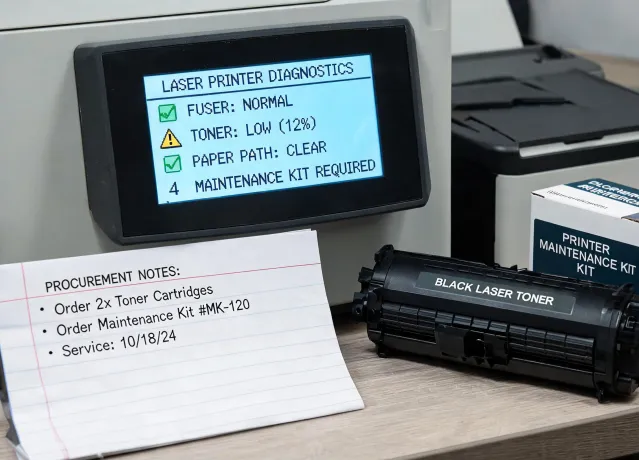
A professional services office had repeated offline errors and inconsistent toner ordering. We separated network troubleshooting from consumable issues, flagged models with expensive maintenance kits, and documented a staged replacement path. The team could then budget by quarter instead of approving individual emergency purchases after every failure.
Service intake
Attach model numbers, supply part numbers, issue notes, service locations, or the buying goals you need to defend. We will respond with a practical request path and the documentation needed for an informed quote.